 Periodic table
 Electron configuration
 Solubility table
 Metal operating range
 News
Every advertiser eventually gets the same email: "Sponsored post on our site, only $300, guaranteed exposure." The pitch usually comes with a screenshot of a nice looking homepage and a vague claim about audience. Before you pay, you need a quick way to tell whether the site is a real publication or a page that exists to sell placements.
This guide walks through a five step vetting routine using a no-fee site for domain scores, this domain rating site. It is written for small business owners and freelance media buyers who have no SEO subscription and a deadline. The routine is our suggestion, not a workflow the site prescribes.
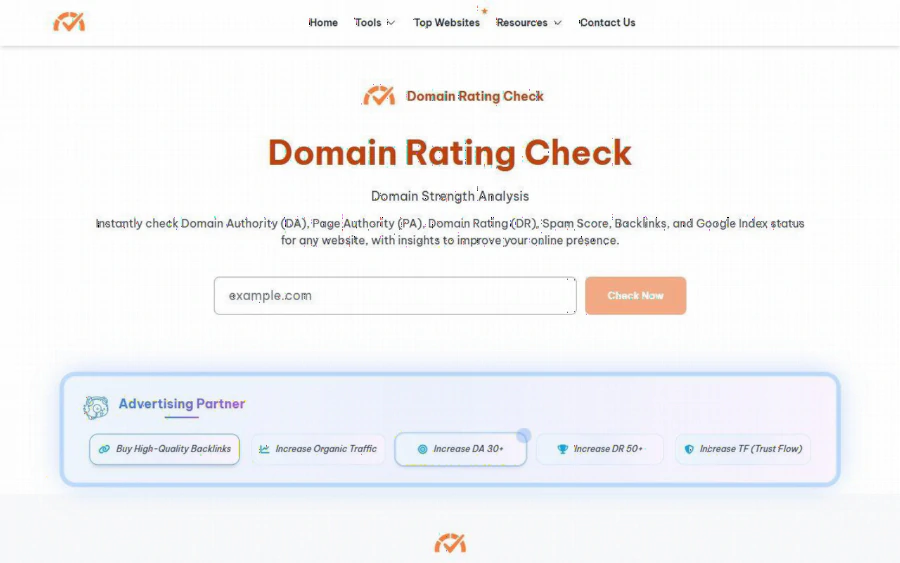
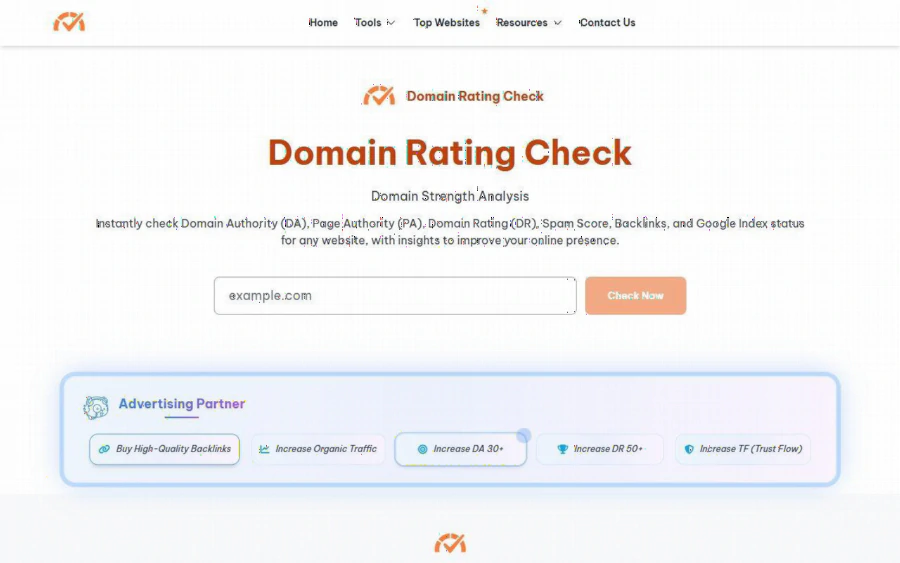
Domain Rating Check homepage with the Domain Strength Analysis headline, a single example.com input box and a Check Now button
The scenario: a $300 sponsored post and a 24 hour deadline
Picture an owner of a small outdoor gear shop. A publisher offers a sponsored article for a seasonal sale, with a link back to the store. The price is reasonable, but the shop owner has no way to judge whether readers, or search engines, give that site any weight. Asking the seller is pointless, since the seller wants the sale.
What the owner needs is a set of independent signals gathered in minutes: does the domain have links from other real sites, does it get search traffic, and do two different scoring systems roughly agree? None of these prove the ad will convert. They simply filter out the worst offers before money leaves your account.
What the tool shows
According to the homepage, you type a domain such as example.com, press Check Now, and get Domain Authority (DA), Page Authority (PA), Domain Rating (DR), Spam Score, backlinks and Google index status. The Ahrefs Domain Checker page says its results include Domain Rating, Ahrefs Rank, backlinks, referring domains, organic traffic, traffic value and organic keywords. The site also covers Majestic style metrics such as Trust Flow and Citation Flow on a separate page.
One detail matters for advertisers. The DR page describes Traffic Value as "the estimated cost of buying the same traffic via paid advertising." That is a handy sanity check: if a publisher asks for a premium price while the estimated traffic value of the whole domain looks tiny, ask why.
Step by step: the five minute vetting routine
Step 1. Get the exact domain. Ask the seller for the domain where your ad will live, not a social profile or a landing page on another host. Paste only the domain into the box.
Step 2. Run it through the DR page. Open the DR analysis tool and note DR, referring domains and organic traffic. The page offers DR bands: 0 to 30 is a weak backlink profile, 31 to 50 average, 51 to 70 strong and 71 to 100 very strong. It also says there is no universal perfect score and that you should compare against competitors in the same niche. For a local shop, a DR of 35 on a regional outdoors blog may be fine.
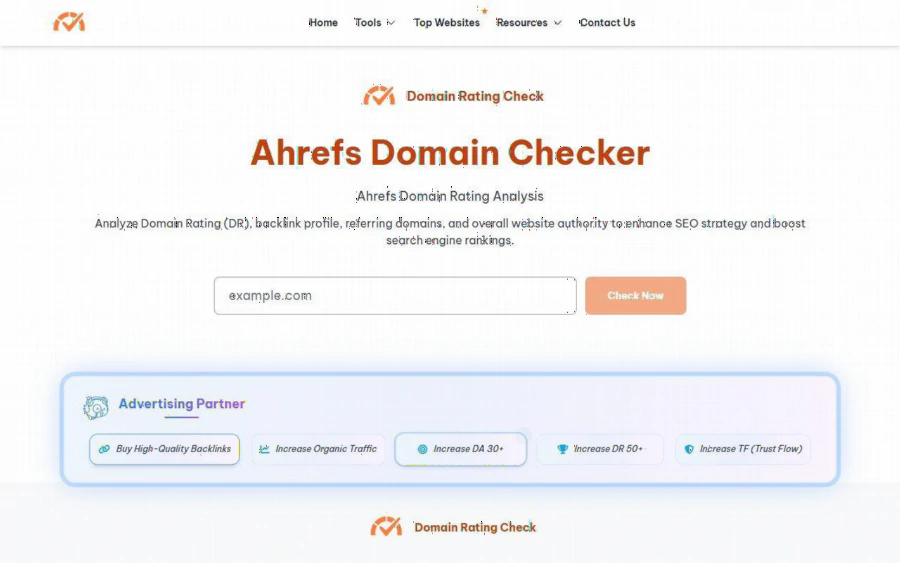
The Ahrefs Domain Checker page, with the Ahrefs Domain Rating Analysis heading and the domain input box
Step 3. Cross check on the DA and PA page. Run the same domain on the Domain Authority Checker page. If DR is decent and DA is close to zero, or the reverse, do not panic, since providers crawl differently. A large gap is a reason to spend ten minutes reading the site.
Step 4. Look at traffic, not only authority. The DR page states plainly that DR "does not measure content quality, on-page SEO, or traffic" and focuses entirely on backlinks. So a high DR with almost no organic traffic can mean a link heavy site with few readers. For an ad you want readers, so weigh the traffic and keyword numbers at least as much as DR.
Step 5. Write the numbers into the deal. Save a short note: date, DR, DA, referring domains, organic traffic. When you negotiate, you can say "your DR is in the average band and the traffic figure looks low, can we lower the price or add a second placement?" That is a better conversation than a gut feeling.
Strengths
The first strength is friction. There is one input box, and the pages we read show no sign up form for the checker. For a buyer who must screen five offers before lunch, that matters more than a polished report.
The second is that several metric families sit on one site. Normally you would open separate vendors for DR, DA and Trust Flow. Having them nearby makes disagreements easy to spot.
The third is candor about the score. The site says DR is a third party metric, not used by Google as a ranking factor. That stops you from treating the number as a quality grade.
Where it falls short
- Everything is approximate. The DR page says it analyzes backlink data "based on Ahrefs-style metrics" and produces "an estimated DR score." If you need an exact figure for a report to a client, use the original vendor.
- Sources and freshness are not stated. We could not find where the data comes from or how often it updates. Read the output as a rough filter.
- Internal inconsistency. The page lists 51 to 70 as strong authority, yet elsewhere says DR 70+ indicates an authoritative site. Use the band table and your own judgment.
- No pricing or limits information. We did not see a price list, or a statement about daily limits, so do not build a business process that depends on unlimited use.
- Sponsored banners. The pages carry an Advertising Partner block with offers to buy backlinks or increase DA and DR. These are advertising and unrelated to your results. If you are vetting placements, treat them as you would any other pitch.
- No audience data. The numbers say nothing about who reads the site, whether they are in your target region, or whether they buy.
Against the paid giants
The big three are the originals and offer deeper data, historical charts and, in the paid plans, much more. The site is a convenience layer: quick, free looking, and good for a first pass. If you manage a monthly ad budget of thousands of dollars, a paid tool is worth it. If you are deciding on a single $300 placement, this check may be enough to say yes, no or "ask for a discount."
Who it fits, and who it does not
This suits a small business, freelancer or agency junior who must screen publisher offers quickly and cannot justify a subscription. It also suits a second opinion alongside a paid tool.
It is a poor fit if you need audited numbers for a contract, if you buy ads on social platforms where domain metrics do not apply, or if you need audience demographics. For those jobs you need platform analytics or a media kit verified by a third party.
How to get started
Pick the most recent offer in your inbox, copy the domain, and walk through the five steps above. It takes about five minutes. Open the homepage, then keep your notes in a simple spreadsheet so each new offer can be compared with the last. After three or four domains you will have your own feel for what a normal DR and traffic range looks like in your niche, and that benchmark is more valuable than any single score.